
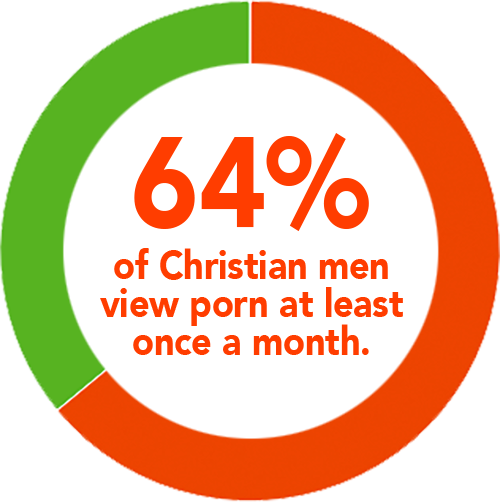
You or your kids are probably addicted to porn

There's an Answer

Nobody surfs porn when their friends or parents are in the room. So Lifeguard keeps them there, virtually. It's software that runs in the background on your computer or smartphone. Every few minutes, it silently uploads a tiny screen shot of your desktop or phone screen to a private web page.
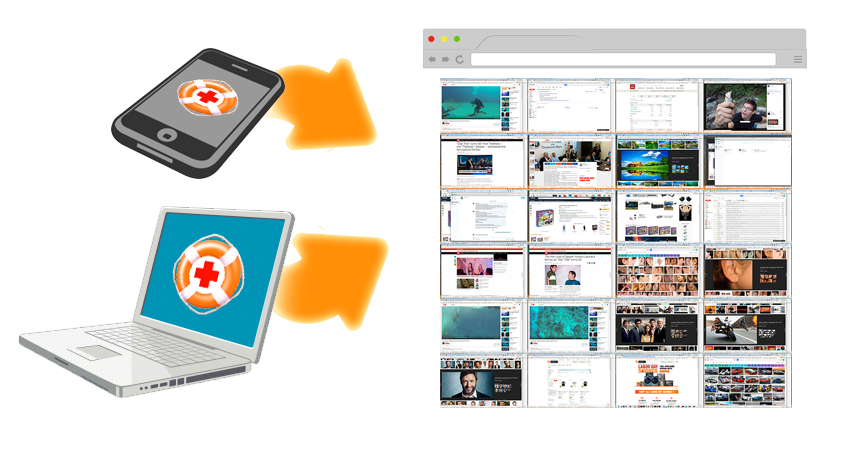
Only you, and the accountability partners you invite, can view the screenshot feed.

It takes just a few seconds for your friends to see your feed and help you stay pure. You can view a whole week of your children's activity in under a minute.
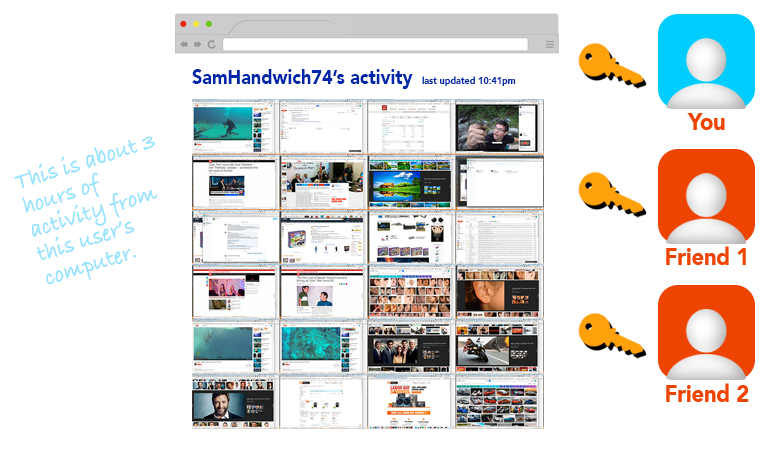
No, there's nothing wrong with that screenshot of the earlobe, but do you see how easily recognizable body parts are, even at such a small size? Problems are quickly and easily caught.

Frequently Asked Questions

What is the purpose of Lifeguard?

Lifeguard is designed to keep your internet and texting activity transparent. While nothing can completely protect you from bad habits, Lifeguard can help bring your friends along side you to keep you strong, and can alert parents to problems in their kids' activity.

What about sexting/snapchats/other non-internet activity?

Lifeguard is just sending up a screenshot, so whether the activity is on the internet, social media app, or anything else, the activity will get recorded.

What if my accountability partner looks at something bad?

You can click to permanently hide any image you don't want to see in the feed.

Won't this take forever to view a day's activity?

The system screenshots once for every 6 to 12 minutes of activity, so for an average 5 hour day, you'll get about 35 images. You can validate that nothing bad happened with one glance.

What about the time in between screenshots?

If someone has an addiction, it will cause them to take more than a passing glance, and get screen-shotted at some point. The screenshot interval is intentionally random, so that users can't just misbehave in the time between screenshots.

Can't I or my kids just shut down the app?

Yes...but this will create a big notification in the feed that Lifeguard was shut down, prompting a conversation as to why.

How is this different from other accountability software?

Most other software either tries to block you from going to bad sites (and can be extremely limiting) or sends out a report of the potentially bad sites you've visited. The first kind can be problematic: there are a lot of good reasons to be on Wikipedia, for example. The second is difficult for your accountability partners: was https://www.google.com/search?q=tomcat bad? Hard to say without clicking on it. These systems can often produce false-positives, like when a news article mentions prostitution, or large block of image data randomly contains a crude word.

What platforms will you support?

We are currently developing the Windows version. We'll be adding Android soon, and Mac OS if possible. iOS (iPhone, iPad) is currently unlikely due to technical limitations.

When can I sign up?

The Windows version is under development, and will start beta-testing soon. Click the form at the bottom of the page to be notified when it's live!

Lifeguard will be starting at $10/mo, but for a donation of $100 or more, we'll give you free access for the life of the product.

Get notified when it's live

We value your privacy and won't ever spam or share your email